

Setup
1. Prepare your APIONE settings
Create an API Key on the APIONE API Keys page and choose an available group. Look up the actual model IDs your key supports in the model directory, and confirm the model supports Chat Completions and tool calls.2. Check your version and configuration file
In the desktop app, check the version under Settings → About. For the CLI, runopencode --version. Use the configuration below that matches your version.
Open .config/opencode/opencode.jsonc in your user directory, or use opencode.json in your project. Back up any existing file before merging the APIONE settings. If the desktop app has no custom provider form, edit the configuration file directly.
3. Configure OpenCode 2.x
Add the APIONE provider to the configuration file and replace the model placeholder with an actual ID.APIONE_API_KEY in the environment that starts OpenCode. In Windows PowerShell, run the following commands, then start the OpenCode CLI from the same terminal.
APIONE_API_KEY under Environment Variables → User variables, save, then fully quit and reopen OpenCode.
4. Configure OpenCode 1.x
Run/connect in OpenCode, select Other, enter apione as the provider ID, and enter your APIONE API Key. Then merge the following into the configuration file.
apione must match the ID you entered when saving the key.
Configure providers and models
In themodels object for your version, add each model using its actual model ID as the key. For multiple models, add one entry per model and save the configuration. Set context, output limits, and image capabilities according to the APIONE model parameters.
Select a model
Restart OpenCode and open the model picker, or run/models where commands are supported. Choose a model under APIONE and send “Reply only with OK”. Then check the request status, model, and usage in the APIONE console.
After the text test passes, ask the model to read files in a test project and explain its directory structure to confirm tool calls work.
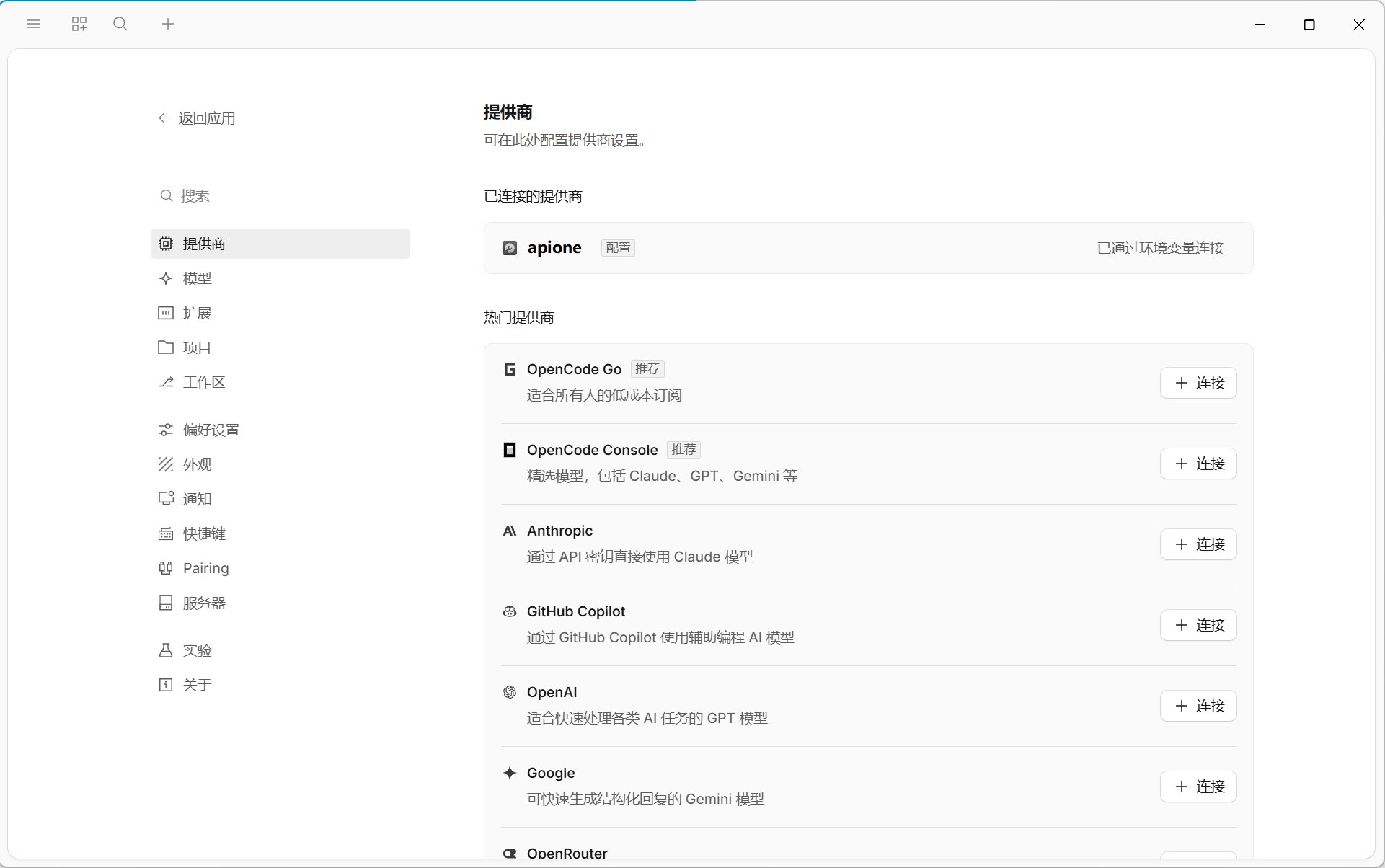
The OpenCode providers page shows APIONE connected through an environment variable.
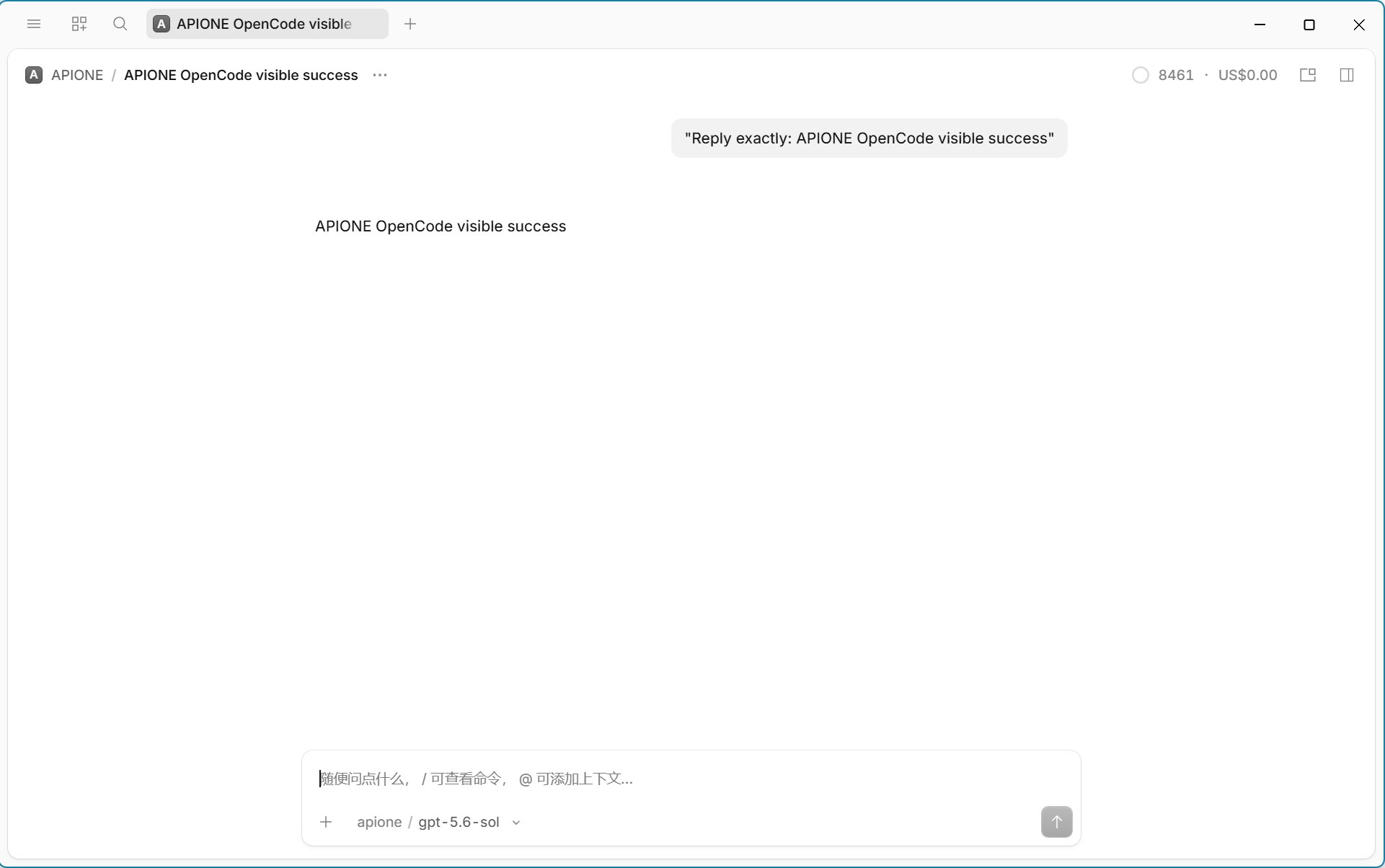
Example of a text reply returned through APIONE in an OpenCode conversation.
Troubleshoot
For configuration fields, see the current OpenCode docs and the OpenCode 1.x docs.
Back to integrations · Choose a model · Troubleshooting