

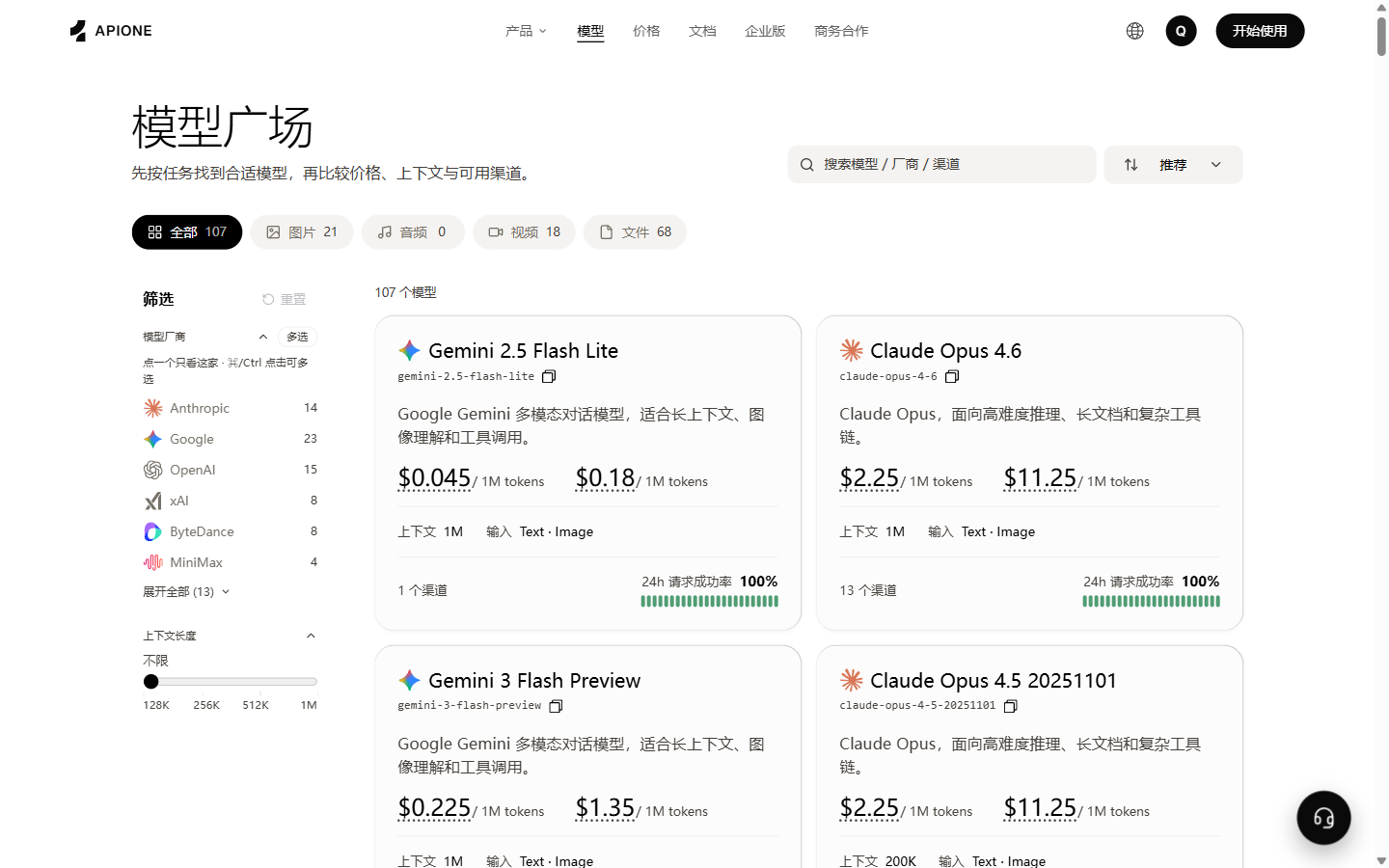
Compare available models, capabilities, prices, and channels in APIONE.
List available models
SetAPIONE_API_KEY, then query:
data[].id, preserving case. APIONE does not require provider prefixes used by other gateways.
The public directory can contain models that are unavailable to the current key. An example does not guarantee permanent availability. Recheck access after changing keys, billing groups, or model versions.
Query parameters
GET /v1/models/{model}/params returns model parameter and billing information. URL-encode the model ID when placing it in the path.
Use the actual response; a parameter name alone does not establish other capabilities. A missing or inaccessible model may return 404. Verify the ID and access with the model list first.
The model directory provides prices, context information, and input types. See group pricing and billing for how groups affect charges.
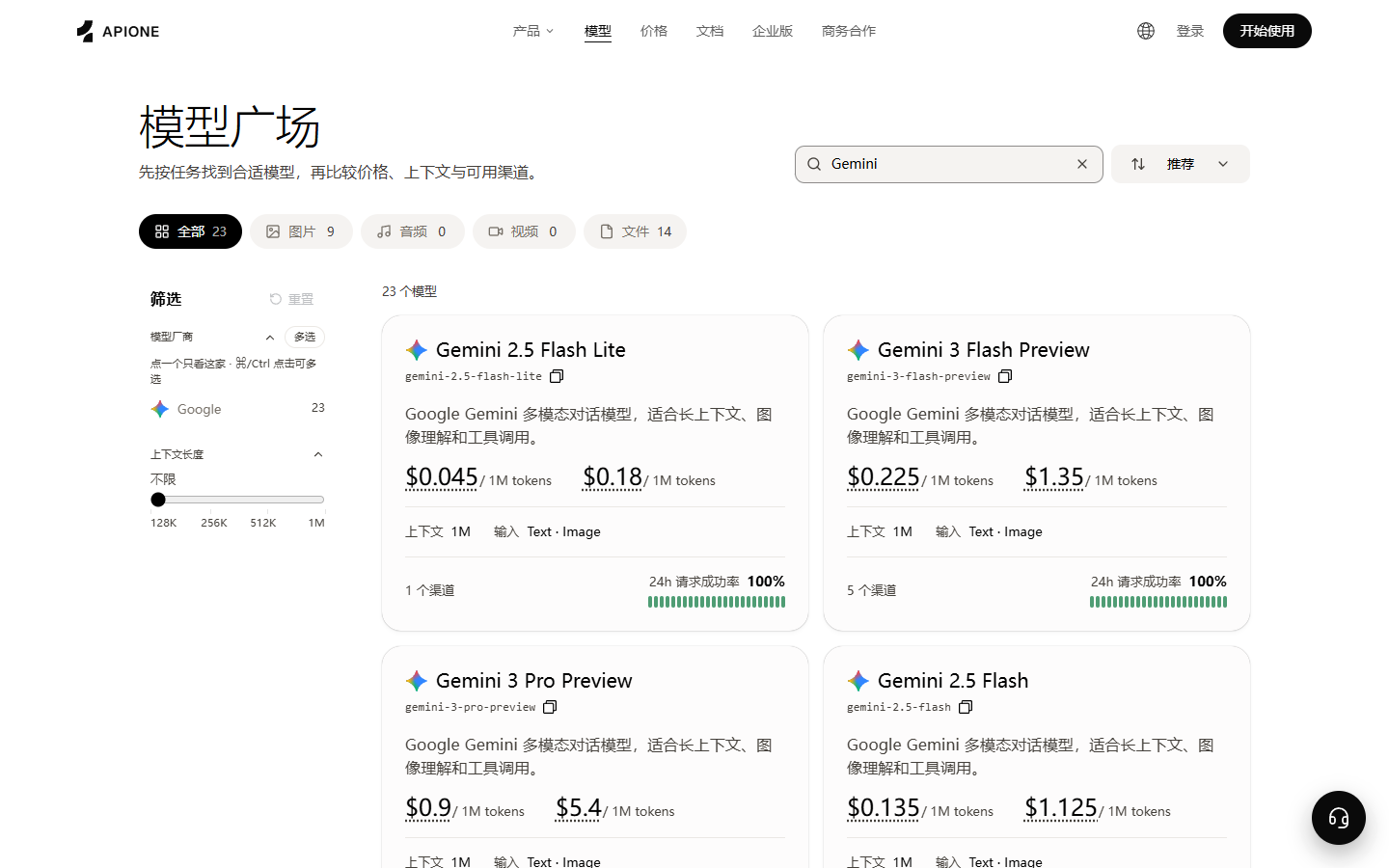
Search the APIONE model directory and review matching models.
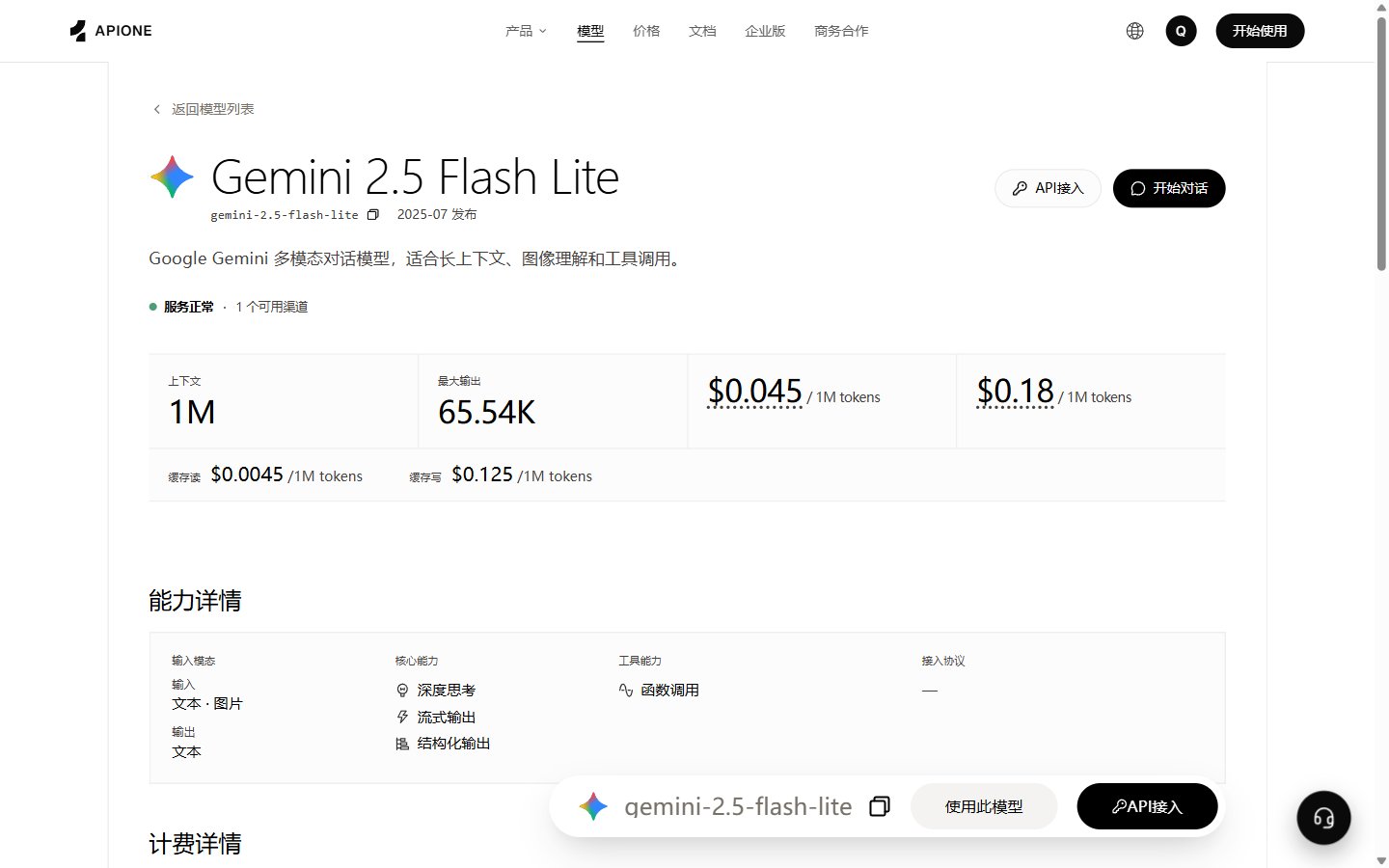
Review a model's context, output limits, capabilities, and prices.
Selection process
- Identify the task, input/output types, and protocol.
- Check context, maximum output, structured output, tools, and other required capabilities.
- Compare quality, latency, and usage on the same representative, redacted samples.
- Store the model ID in configuration or an environment variable. Verify with limited traffic before production rollout.
Capability checks
Do not reuse other gateways’ special model suffixes or routing names. APIONE selects from the model’s available channels; requests cannot select a channel or region. See the routing reference.
When parameter metadata is empty
HTTP 200 withparams: [], request: {}, or an empty billingMode means those details were not declared in this response. It does not prove that a capability is unsupported, permit arbitrary parameters, or indicate a free call. The usage, request, second, and image entries in chargeModes are listed mode names, not proof that a model bills all four ways.
- Check the APIONE model details and current key group for protocols and prices.
- Use confirmed model-specific instructions for size, quality, reference images, masks, and other fields; do not copy enums from another model.
- Without confirmed parameter instructions, verify the minimal request first and avoid optional fields or batch jobs.
- Contact support with the model ID, endpoint, time, and actual request identifiers. Do not send the full key.