

Configure the connection
- Install Cline from your IDE’s official marketplace and open its sidebar.
- Open settings and API Configuration.
- Set API Provider to OpenAI Compatible.
- Set Base URL to https://api.apione.ai/v1 and enter your APIONE key.
- Enter a model ID supporting Chat Completions and tool calls from the model directory. Click Done.
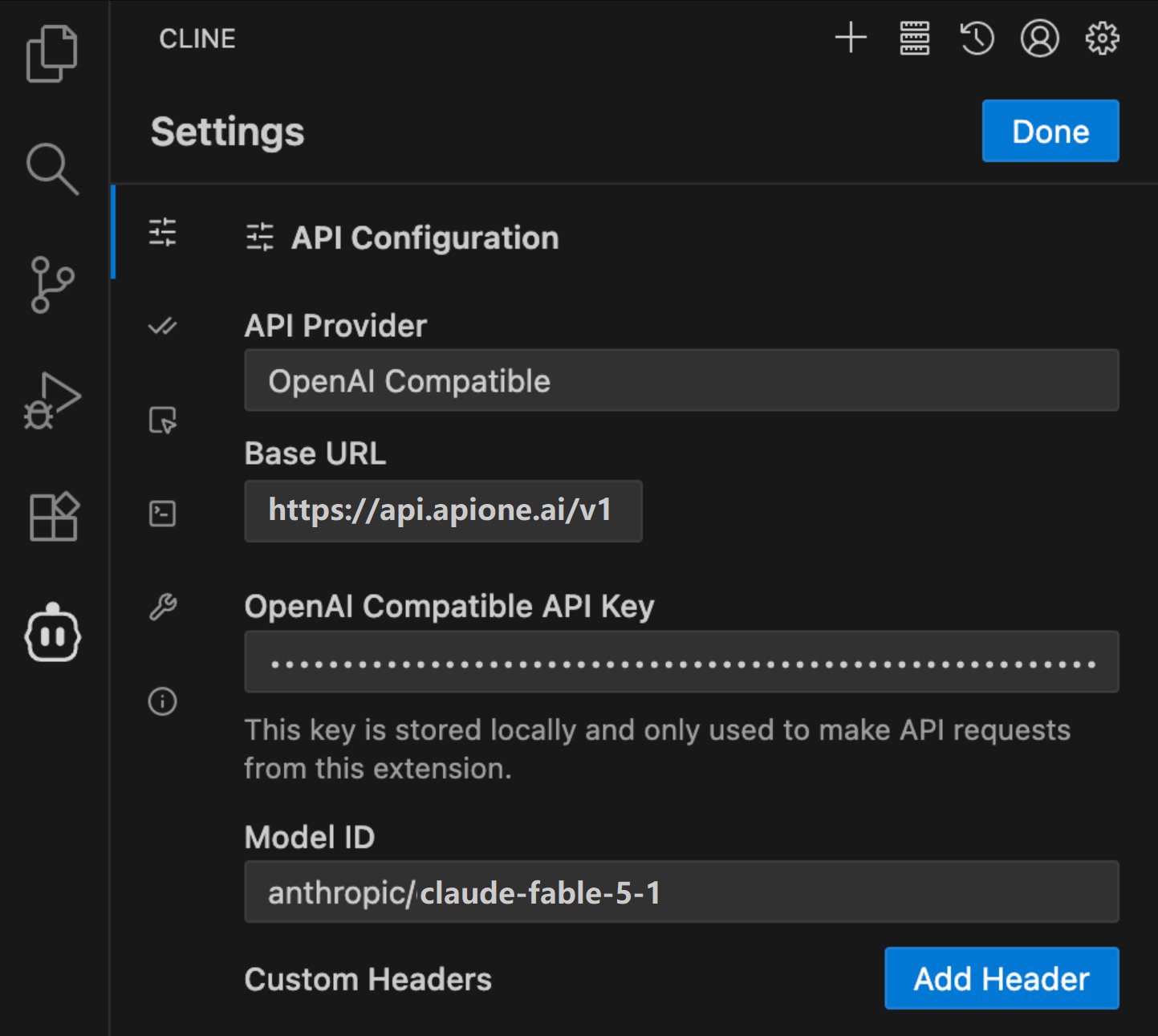
Cline API configuration using APIONE and an actual available model ID.
First run
In a test project, ask Cline to explain the README without modifying files. Confirm the response and APIONE request record, then test file reading. Review proposed actions individually before allowing code changes.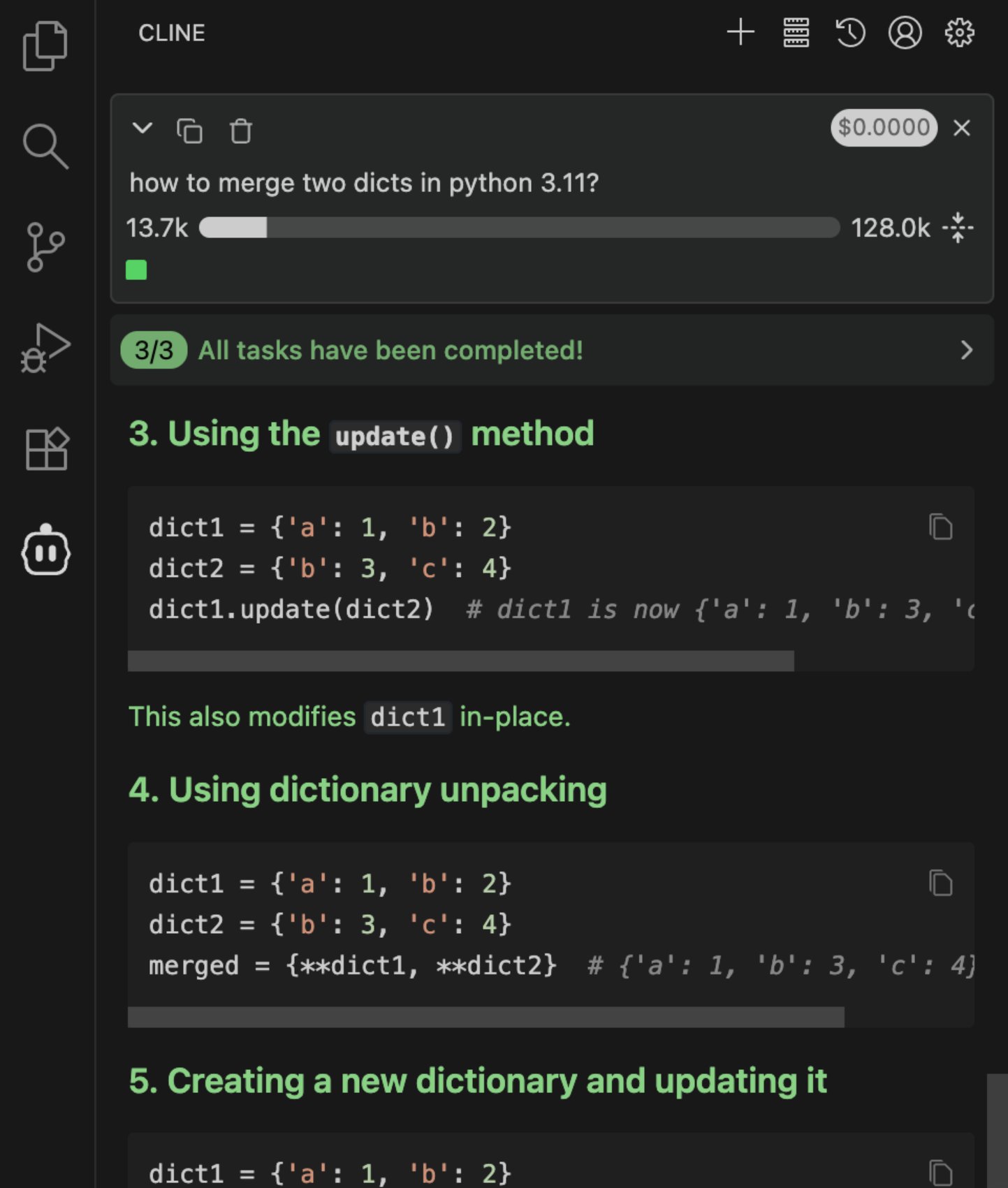
A Cline response after configuring APIONE.
Model settings
If the interface requests a context window, output limit, image capability, or price, use that model’s actual parameters. Do not enable vision or reasoning for every model.Common problems
- No response: check the final URL, proxy, and model access.
- Invalid tool format: use a compatible model or remove optional parameters and try again.
- Old provider still used: check the active API configuration. If the version stores separate settings for different modes, check each mode.
Integration directory · Choose a model · Troubleshooting