

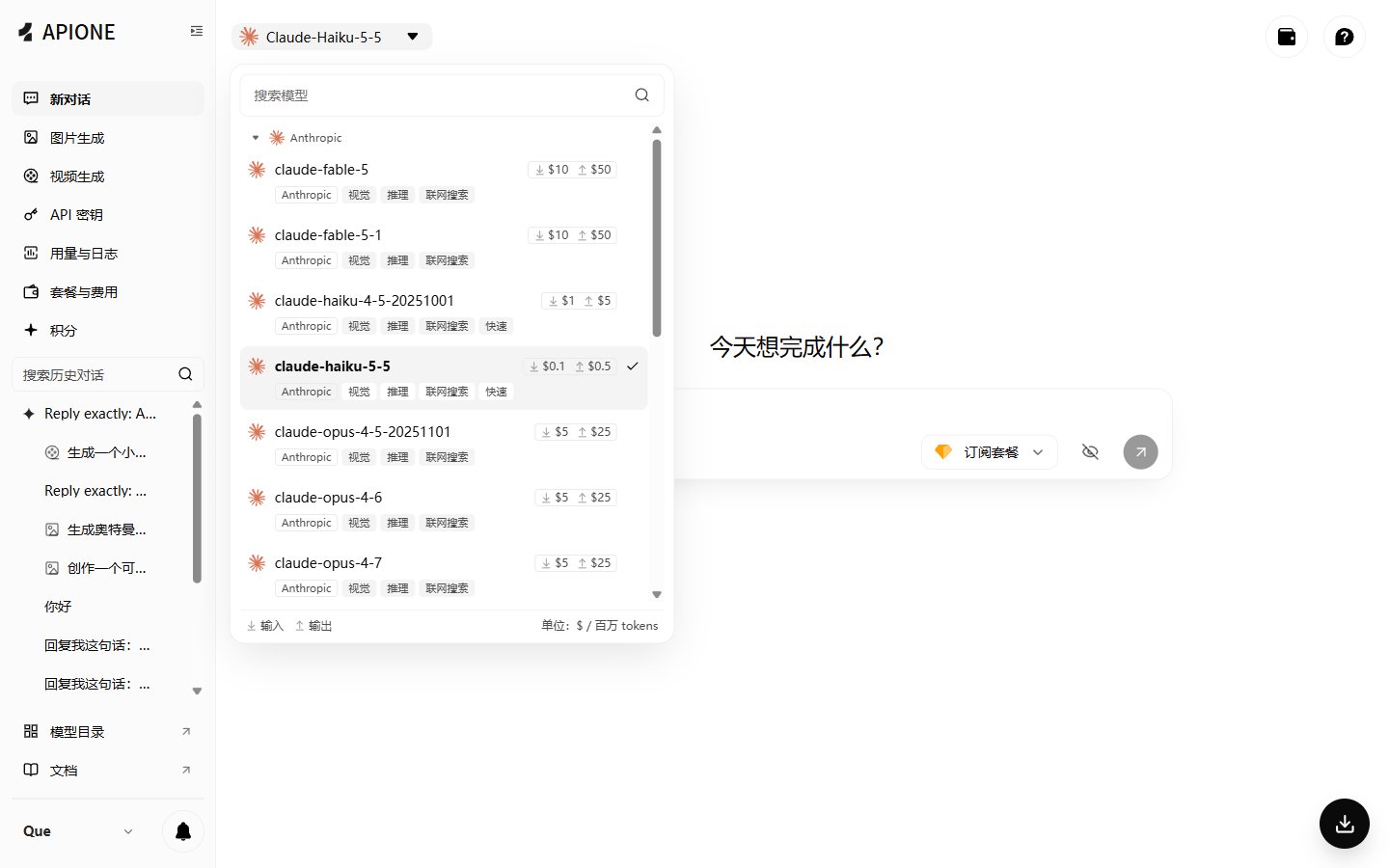
APIONE model selector with capabilities and input/output prices.
Protocol matrix
Chat or Responses
- For new integrations with general chat, streaming, and tool calling, start with Chat Completions.
- For projects already using the OpenAI Responses SDK or Codex, use Responses.
- Do not rewrite a working protocol only to change models. Keep the current request format and replace the model ID first.
Client address quick reference
First open the guide for your tool, then enter the base address that tool requires. Confirm that the API version appears only once in the actual request path.
After saving the configuration, verify the model list first, then send a real message. Confirm the call succeeded in APIONE request details before enabling tools, images, or other capabilities.
Pre-selection checks
- Call
GET /v1/modelsto confirm the model IDs available to the current key. - Call
GET /v1/models/{model}/paramsto confirm the parameters declared by the model. - Send a minimal text request first, then enable streaming, tools, images, or other capabilities one by one.
- Confirm the real call succeeded and the actual cost in the console request details.
How to fill in configuration fields
If the client only provides an “API address” without saying whether it is a Base URL or a complete endpoint, check that client’s guide first. The most common mistake is entering
.../v1/chat/completions into an SDK that automatically appends /chat/completions, producing a duplicated path.
Choose by scenario
Existing code project
Keep the original SDK and request structure unchanged; only replace the address, key, and model. Do not change streaming, tool calling, retry policy, and output format all at once; change one type of configuration at a time so problems are easier to locate.Third-party client
Prefer the OpenAI Compatible, Custom OpenAI, or New API option offered by the client. Claude Code uses the Anthropic native protocol; Codex usually uses Responses. Saving a configuration does not mean the model is already reachable; you must send a real message to verify.New project
- General chat and broad compatibility: start with Chat Completions.
- Already adopting the OpenAI new workflow: use Responses.
- Claude native message and tool format: use Anthropic Messages.
- Gemini native content structure: use Gemini generateContent.
Minimal verification order
- Call
/v1/modelswith the same key to confirm network, authentication, and permissions. - Copy the exact model ID without manually guessing version numbers.
- Send one text message only, without tools, images, or advanced parameters.
- Save the HTTP status, response body, and
X-Maxx-Request-ID. - After the minimal request succeeds, enable streaming, structured output, tools, or multimodal input one by one.
Common mistakes
Next: Addresses and authentication, Quickstart, Migration.