

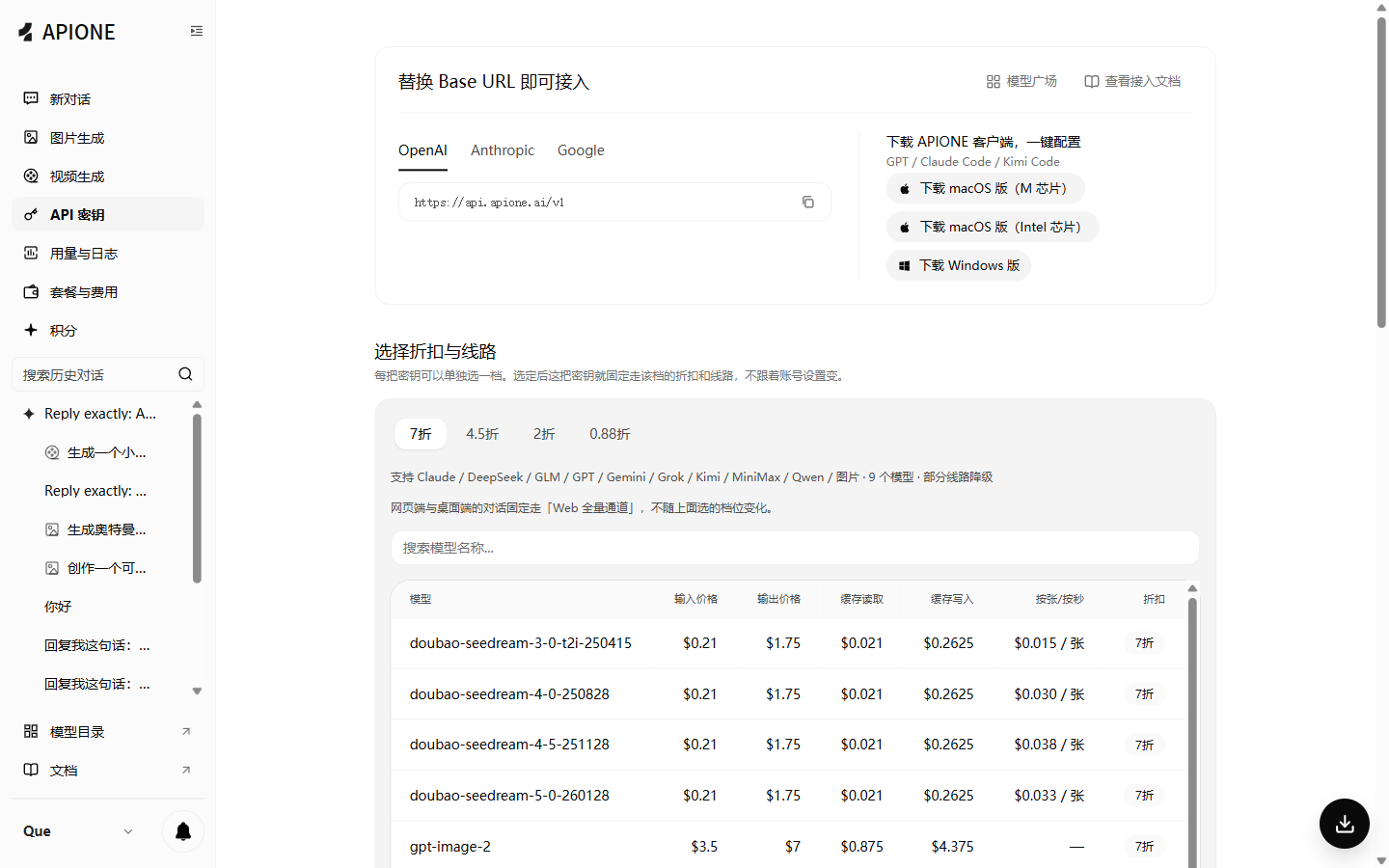
APIONE API Key settings, connection addresses, and pricing groups.
Create and save a key
- Sign in to the APIONE console.
- Open API Keys and create a key for your application.
- Set the available model permissions, billing group, and expiration options shown in the console. Save the complete key when it is displayed.
- Send a minimal quickstart request to verify access.
Groups and permissions
The selected group determines available models and their prices. After creating or editing a key, queryGET /v1/models before making application requests. See model discovery and group pricing.
Authentication
OpenAI-compatible requests useAuthorization: Bearer YOUR_APIONE_KEY. Anthropic-compatible requests can use x-api-key. Use one authentication method per request.
Recommended practices
- Separate development, testing, and production keys to simplify usage tracking and rotation.
- Store credentials in environment variables or a server-side secret manager, not frontend code or public configuration.
- Log aliases or redacted identifiers instead of full keys and headers.
- If a key is exposed, disable or revoke it in the console, configure a replacement, and verify recovery using available management controls.